Learn RipScore. Run meet day with confidence.
Practical, step-by-step help for signing in, setting up a team, planning practice, creating a meet, running live scoring, and recovering when something gets stuck.
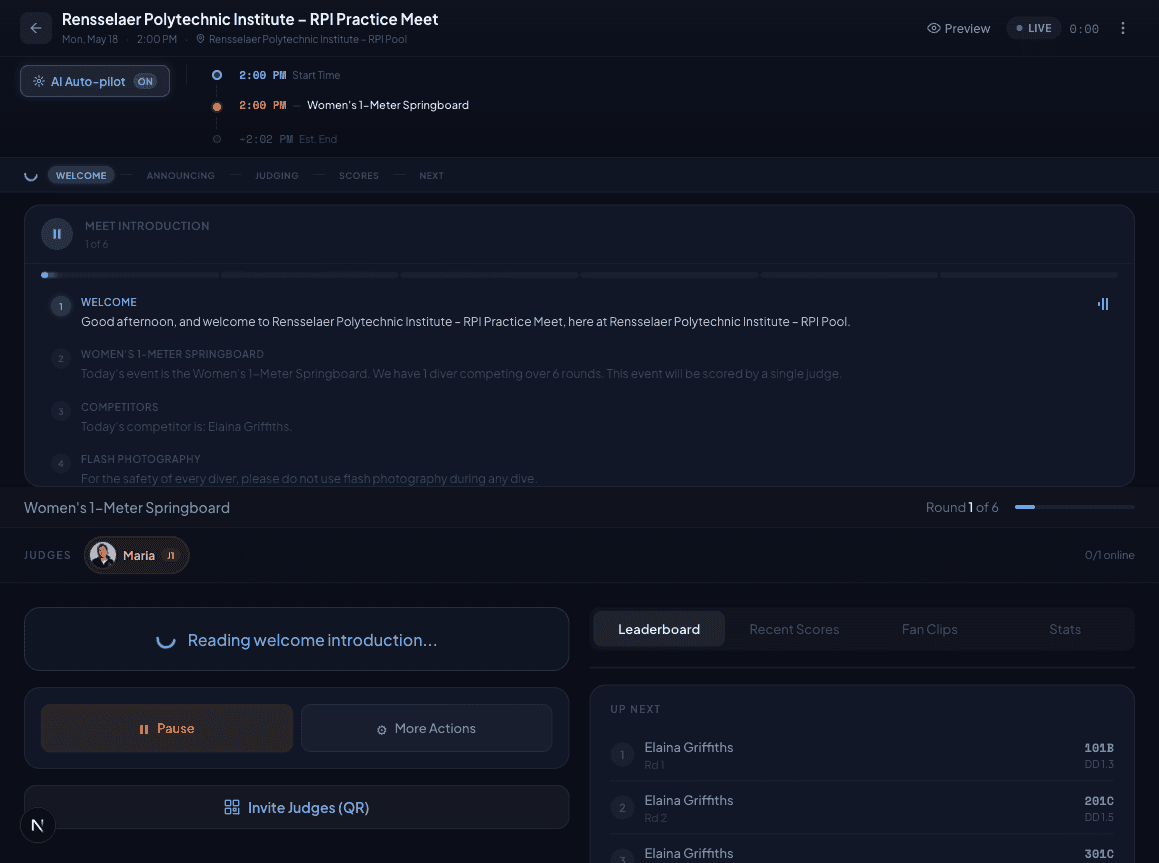
Help when you need it
Read the full guide or ask Jack for the short version.
Each article includes quick steps, detailed explanations, related guides, and suggested questions you can ask Jack from inside RipScore.
Search the playbook
Find the answer before meet day gets loud.
Log in and get started with RipScore
The shortest useful path from an invitation or sign-in screen to a working RipScore account.
Choose the right RipScore role
What coaches, athletes, judges, parents, and spectators can access—and when a link is all you need.
Navigate the coach home screen
A practical map of the RipScore dashboard and the few places coaches use most often.
Set up your team for the first time
Confirm school information, build the team, import or add divers, and review the roster before meet setup.
Plan and run a practice
Schedule a team practice, build reusable plans, assign athletes, review progress, and rehearse live scoring.
Edit teams, practices, meets, and scores
Where to correct core information, what stays editable, and when a live or completed record must be reopened.
Create your first meet
A start-to-finish walkthrough for creating a meet, choosing teams, adding events, and reaching the timeline step.
Build the meet timeline
Use sessions, blocks, intermissions, and combined events to create a clear running order for the meet.
Start here
The shortest path from first login to a live competition.
Begin with account access, then move through meet creation and the director console when you are ready.
Log in and get started with RipScore
The shortest useful path from an invitation or sign-in screen to a working RipScore account.
Create your first meet
A start-to-finish walkthrough for creating a meet, choosing teams, adding events, and reaching the timeline step.
Run the director console
Use the live meet runner to read divers, collect scores, advance dives, and keep the meet on schedule.
Library map
Organized around the work you are trying to finish.
Getting Started
Sign in, choose the right role, finish onboarding, and learn the coach workspace without reading a full product manual.
Meet Setup
Build the meet, choose events, schedule sessions, and get the structure right before invitations go out.
Dive Lists
Collect home and away lists, approve submissions, handle signatures, and keep readiness visible.
Meet Day
Run the director console, keep sessions moving, publish results, and recover from common live-meet hiccups.
Judging
Invite judges, open scoring links, understand scoring math, and troubleshoot judge devices.
Practice
Schedule practices, build reusable plans, assign athletes, run a scoring rehearsal, and review film.
Spectators
Explain public meet pages, live timelines, leaderboards, video surfaces, and parent-facing updates.
Team Admin
Manage rosters, team branding, school data, seasons, CSV imports, and team handbook content.
Troubleshooting
Fast fixes for missing divers, broken links, readiness blockers, judge scoring problems, and network issues.